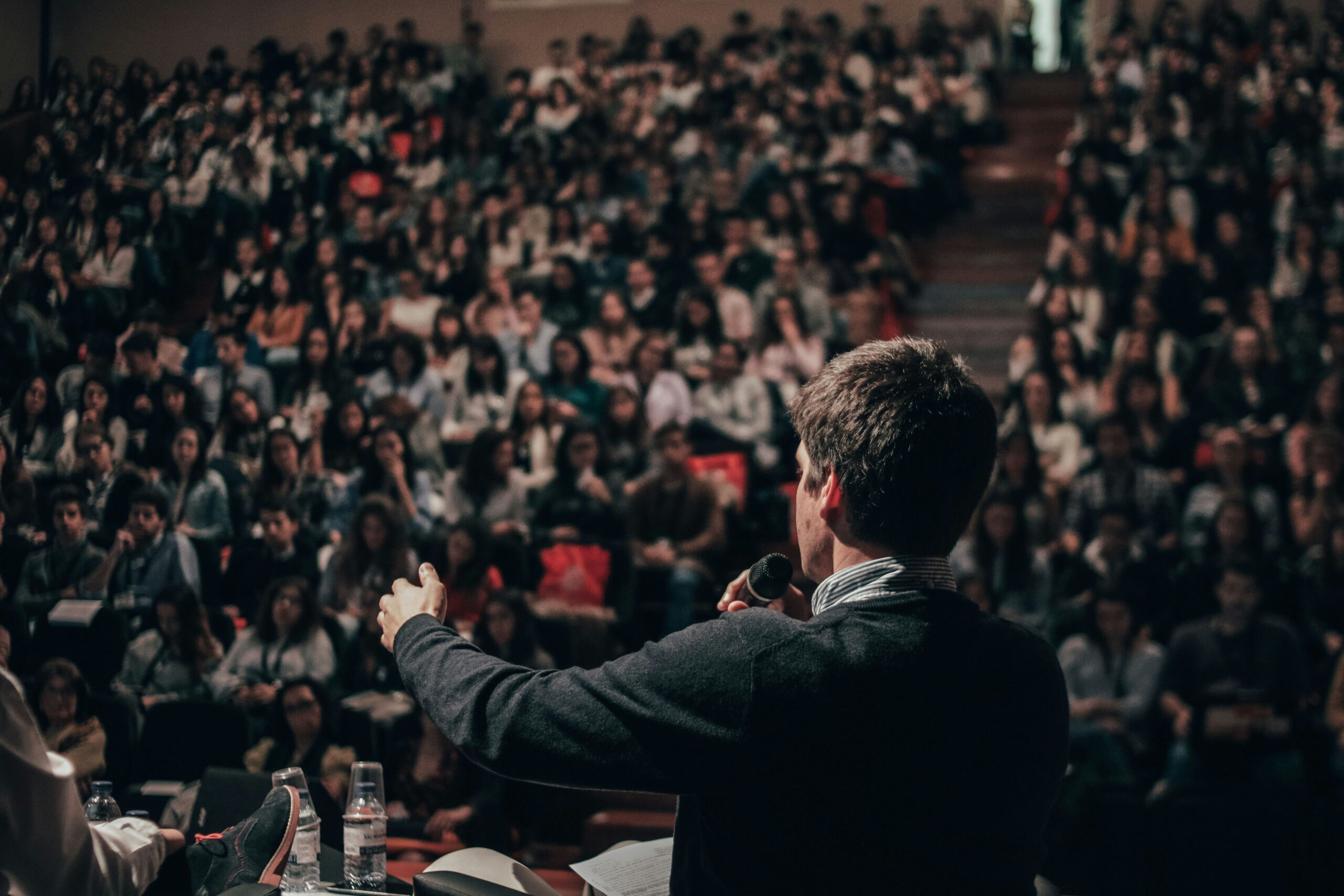
- The overall time slot for each contribution is 20 minutes: 15 minutes presentation + 5 min questions. Session chairs have been instructed to rigorously enforce the schedule. We kindly ask for your understanding and cooperation in keeping the session schedule.
- Be at the room of your session 15 minutes before the session starts so that you can meet your session chairs and the other speakers in advance.
- A video projector and a PC will be available in each conference room
When preparing a Poster, presenters should have in mind the objective of capturing the interest of attendees in the work that is being presented. The quality of the presentation stimulates the attention of the audience and improves the overall satisfaction of the community attending the conference. Please, use an appropriate font size allowing posters to be readable from 2 m away. Authors are required to use only the boards allocated for their posters.
- Posters should be printed in portrait layout to a maximum size of A0 (841mm wide and 1189mm height)
- Posters should be set-up during the morning of the day you are presenting. Do not write or paint on the poster boards.
- Posters should be presented during the morning coffee break and lunch break. They may also be presented in the afternoon coffee break, but this is left optional to the presenters
- Posters should be removed from the boards by the end of the day, no later than 18:30
Please note that UCMMT 2026 is an in-person conference; presenters are expected to be on-site to give their presentations and to interact with the audience. In general, there is no planned provision for recorded or remote presentation, live streaming, or any hybrid format. If authors cannot attend in-person to give presentation, they are encouraged to arrange for a substitute. Exceptions to this will be considered only case-by-case and if logistic and technical arrangements are possible.
Papers must be written in English and formatted in the standard conference proceedings layout (3 to 4 pages in length including references). Invited speakers may submit either a full paper or a one-page abstract.
Word or Latex Templates can be downloaded from IEEE Conference Publishing site. Please, be sure to use the template’s conference mode (LaTeX users). The templates are for both the full paper and the one-page abstract.
Please check carefully the author information when uploading your prospective paper, since this information will be used to create the Conference Program booklet. Submissions in hardcopy form or by fax or e-mail cannot be accepted.
After review, the authors of accepted papers will have the opportunity to make modifications suggested by the reviewers.
Final Paper Submission Guidelines
Accepted papers will be published in IEEE Xplore.
All papers should be submitted via EasyChair in PDF format. All submissions must comply with IEEE eXpress PDF format. Please go through IEEE eXpress to check the PDF compatibility. Use Conference ID: 70119X to generate a compatible PDF file.
PDF Instructions for Authors:
Before Creating a PDF, proofread your source document thoroughly to confirm that it will require no revision.
Log in to the IEEE PDF eXpress® site, create your PDF eXpress Account.
First-time users should do the following:
- Create Account
- Enter the following:
· 70119X for the Conference ID
· your email address
· a password - Continue to enter information as prompted.
An Online confirmation will be displayed and an email confirmation will be sent
verifying your account setup.
Previous users of PDF eXpress need to follow the above steps but should enter the same password that was used for previous conferences. Verify that your contact information is valid.
Contacting PDF eXpress Support
Access the IEEE Support Center for IEEE PDF eXpress.
If you do not find an answer to your question on the IEEE Support Center, please email: [email protected].
Authors are responsible for obtaining publication approval by their employer or sponsor and the copyright must be assigned to IEEE. Link to submit IEEE electronic Copyright Form can be found towards the end of the final paper submission process.
“IEEE defines plagiarism as the use of someone else’s prior ideas, processes, results, data, algorithms, or words without explicitly acknowledging the original author and/or source.”
This includes:
Using data from another author’s paper must be properly cited
Artificial Intelligence generation of any part of a paper is forbidden
Verbatim copying of another author’s work
Paraphrasing, or rewording another author’s text but having the same meaning, is forbidden. (Paraphrasing a small section of a paper is permitted if it is properly cited.)